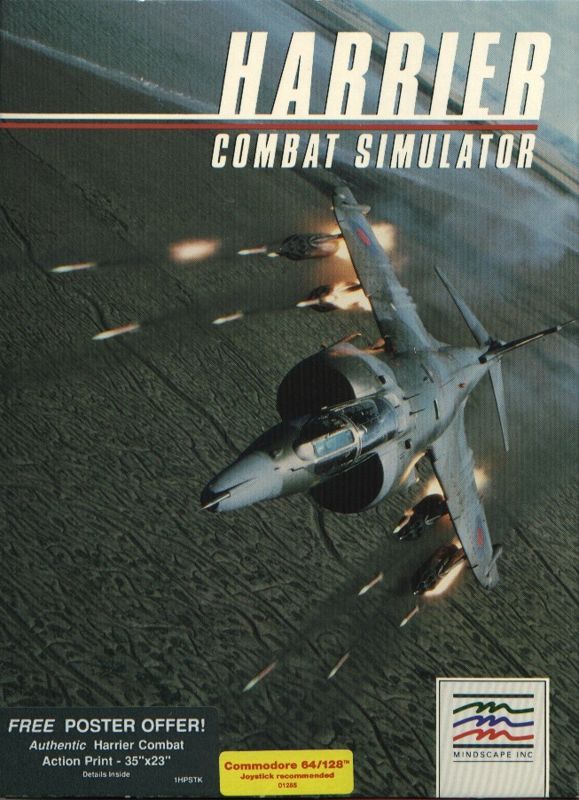
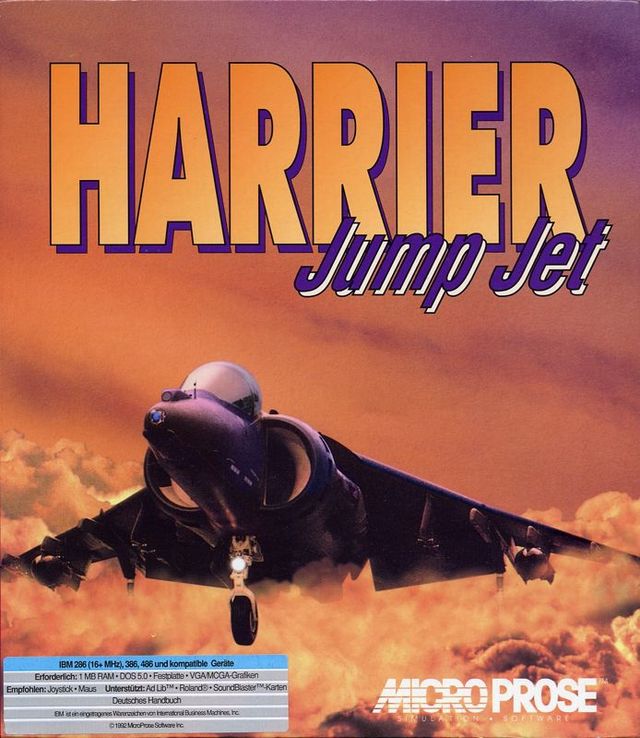
Harrier Jump Jet
Description
Harrier Jump Jet: Falklands 20th Anniversary Release is a re-released add on for Microsoft Combat Flight Simulator 1 and Microsoft Combat Flight Simulator 2 with extra scenery and aircraft. The aircraft are also compatible with Microsoft Flight Simulator 2000 and Microsoft Flight Simulator 2002.
The package contains twenty missions spread across two campaigns, one British and one Argentinian, however these can only be flown using the Microsoft Combat Flight Simulator 2. The missions can be flown both individually or as part of a campaign. they are identifiable in the Missions Menu as they all start with the letters 'JJ'. The extra locations, Port Stanley, HMS Fearless etc are not grouped and are mixed in with the Combat Flight Simulator's existing locations.
The aircraft are supplied are listed below, there are multiple Harrier variants but not all are combat aircraft:
- Hawker-Siddeley P.1127 Prototype
- Hawker-Siddeley Kestrel FGA.1
- Hawker-Siddeley Harrier T.52 G-VTOL
- Royal Air Force Harrier GR.1
- Royal Air Force Harrier GR.3
- Royal Navy Sea Harrier FRS.1
- Royal Navy Sea Harrier FA. 2
- Royal Navy Harrier T.8
- Royal Navy Harrier GR.5
- Royal Navy Harrier GR.7
- USMC AV-8B Harrier
- USMC AV-8A Harrier
- Indian Navy Sea Harrier FRS.51
- Italian Navy AV-8B Harrier
- Spanish Navy AV-8B+ Harrier
- Spanish Navy AV-8S Harrier
- Spanish Navy TAV-8S Harrier
- Thai Navy AV-8A Harrier
- Argentine Navy Super Étendard
- Argentine Air Force A-4P Skyhawk
- Argentine Navy A-4Q Skyhawk
- Argentine Air Force Pucará
- Argentine Air Force IAI Dagger
- Royal Navy Sea King
The Harriers are famous for their vertical take-off. In this simulation they have three modes of take-off. There's the normal take-off which uses the full length of the runway, there's a short take-off with the fans part rotated and a sort of vertical take-off with the fans fully rotated. True vertical take-off is apparently not possible given limitations within the flight simulator(s) so with the fans fully rotated the plane will roll a short distance before lifting off. The fans in the Combat Flight simulator are rotated using the keyboard F and V keys which are normally used for flaps.
The install process puts an icon on the desktop which is used to launch the game but it is the host combat simulator's disc that must be in the disc drive at the time of launch.
There are minor game-play variations in the way the aircraft models are implemented for each simulator, typically there are differences in the key commands are required to view the navigation and communications panel(s) while the civilian flight simulators have a GPS panel but no weapons.