Flight Adventures 1
Description
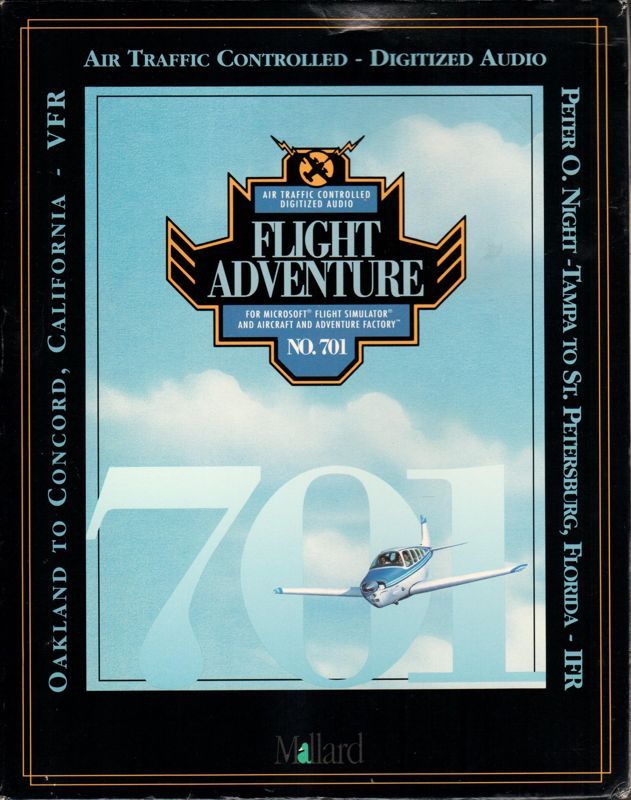
Flight Adventures 1 is an add-on for Microsoft Flight Simulator (v5.0) Though the simulator can be run in both Windows and DOS this package must be installed via Windows, additionally the add-on required Flight Simulator Flight Shop is required.
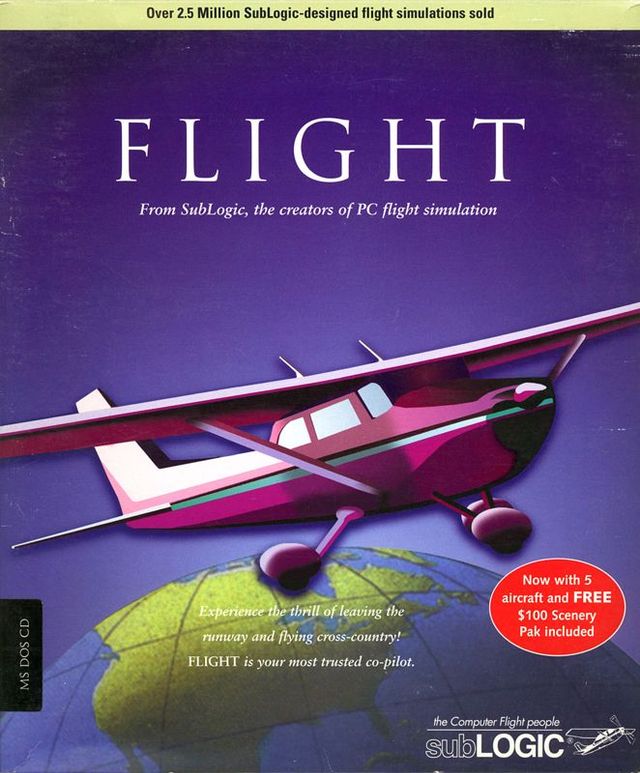
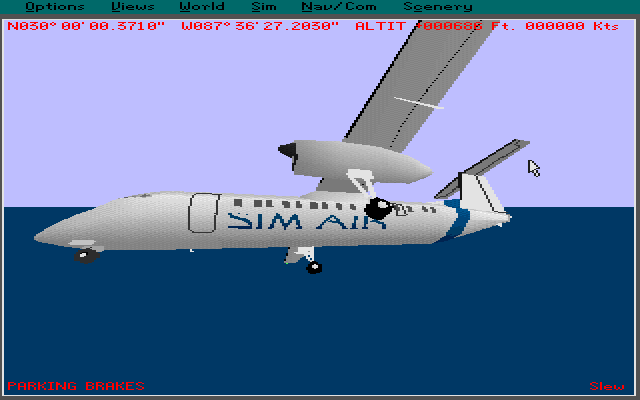
When installed the player finds that they have one new aircraft a DH DASH 8-300 in Sim Air livery. The box cover claims that over fifty IFR (Instrument Flight Rules) are installed with this product with the main adventure being a full flight from New York to Boston. All flights, including the New York to Boston adventure are located in the main drop down menu within the Adventure Factory option. By default, when started, the New York/Boston adventure uses the standard Flight Simulator Learjet with its jet aircraft flight panel, this can be changed within the Flight Simulator configuration options but, disappointingly, the supplied Dash 8-300 uses the same flight panel as a Cessna and not a jet aircraft panel. The Flight Simulator's 'Land Me' option cannot be used with the new aircraft.
When the main adventure starts the default aircraft is sitting on the tarmac at JFK airport, New York, however the action does not begin immediately as the player is taken through a series of configuration options which determine the difficulty of the flight. Each option is announced by a warbling bleep and the player must make their choice within six seconds as the setup process automatically advances from one option to the next. The options are;* To fly with NO HELP at all press 'm'
- For displayed CLEARANCES, press 'CTRL-p'
- For in-flight HELP, hit 't'
- For CO-PILOT to change RADIOS, hit 'f'
- For a shorter flight, hit 'h' - if this option is selected then the next two questions are not asked.
- For A Martha's Vineyard flight, hit v
- To fly at 7000, not 15000, hit 'k'
After passing on all these options the player is told they are at JFK airport and that the full flight is 'very hard', even with all help enabled and the short flight selected the player is warned that this is not for the novice. A further warning states that a pen and paper are essential - this seems to be to keep track of headings and radio frequencies throughout the flight.
When the adventure starts the player is given the tower's frequency and once they request clearance to take-off they are given both on-screen and audio instructions for the headings, altitude and in-flight frequencies to use and they're off.
Should the player crash, a booming voice announces 'Nice flying, Ace' and the adventure is over.